Espresso Android Practice Project
A small repository for practicing Android element taps and assertions with Espresso.
A minimal repository for practicing Android automation with Espresso. It covers the simplest flow: find a screen element, tap it, and verify the state.
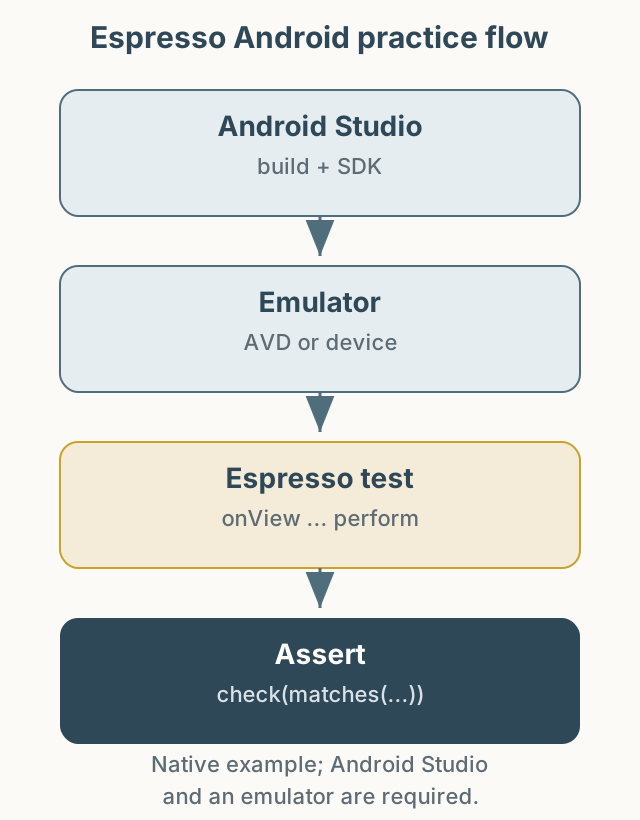
Figure 1. Build in Android Studio, run Espresso on an emulator, and assert the UI state.
- Repository: PracticeAutomationEspressoAndroid
The project assumes Android Studio, SDK Manager, and an emulator are already set up. See the README for details. There is no XCUITest sample because I did not have an Apple developer account at the time. The example reflects the versions at the time of writing; check dependency versions when building with current Gradle and Android SDK.
This post is licensed under CC BY 4.0 by the author.